

Authentication
For the majority of wanderer’s features you need an account to interact with them.
Email/Username & Password
Section titled “Email/Username & Password”The quickest way to create an account is by heading over to /register and entering a username, a valid email address, and a password of your choice.
After registering you will be redirected to the homepage and can start creating your first trail.
OAuth2
Section titled “OAuth2”Alternatively, wanderer supports authenticating via OAuth2. The following providers are supported:
- GitHub
- Apple
- Microsoft
- Yandex
- GitLab
- Bitbucket
- Gitee
- Gitea
- Discord
- Kakao
- VK
- Spotify
- Twitch
- Patreon (v2)
- Strava
- LiveChat
- mailcow
- OpenID Connect (including OpenStreetMap, see auth providers)
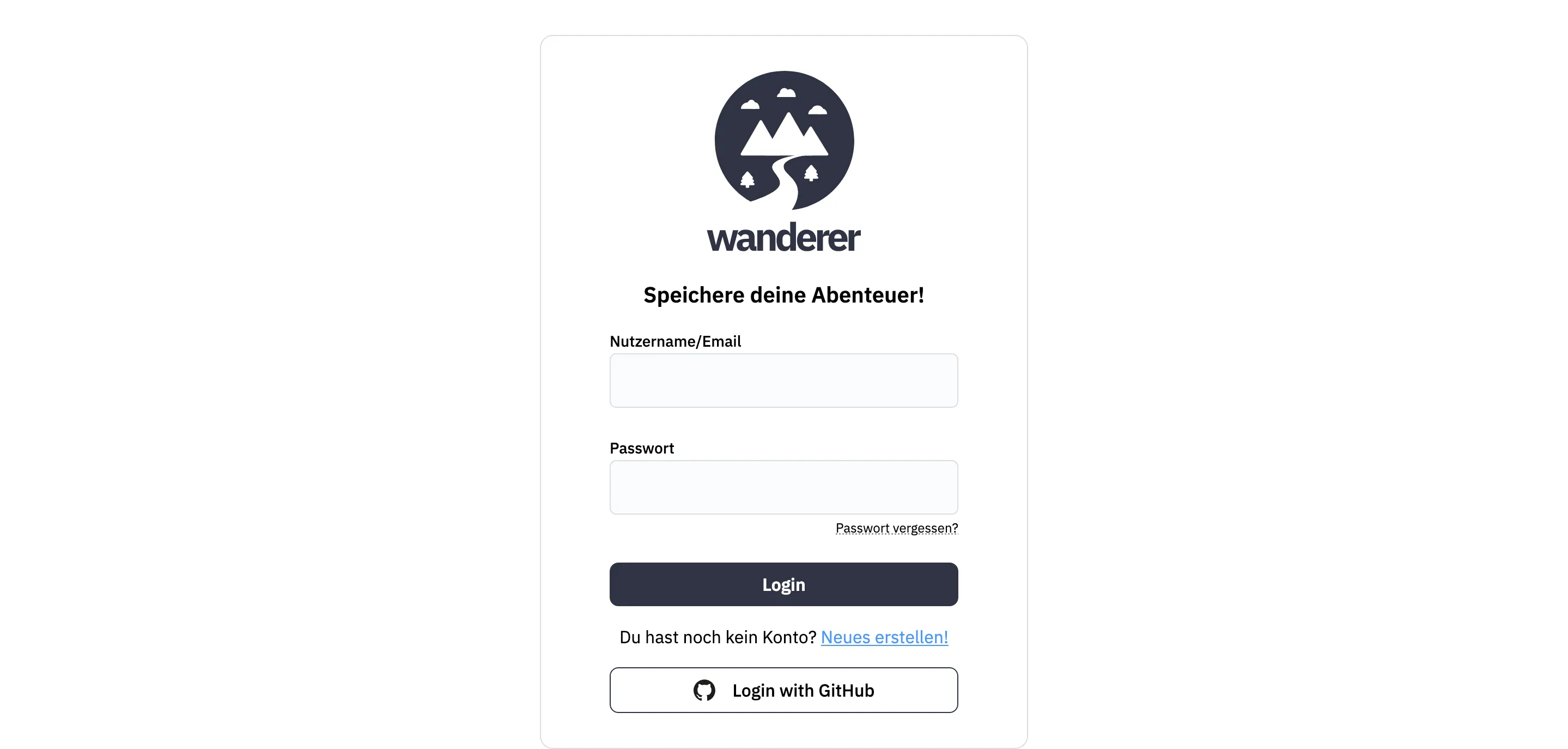
If your instance offers OAuth logins, the enabled providers appear in wanderer’s login form. Click the button, authorize wanderer, and wait for the authentication to finish. You are now logged in and can use wanderer like any other user.
For instructions on enabling OAuth2 providers for your own instance, see the OAuth2 setup guide.
API Tokens
Section titled “API Tokens”API tokens allow external tools and automated processes to interact with your wanderer account without requiring your login credentials.
To manage your tokens:
- Log in to your wanderer instance.
- Navigate to Settings > Account > API Tokens.
- Click Generate new token, provide a descriptive name and optionally an expiration date and click “Save”.
- Copy the token immediately. For security, it will not be shown again.
Forgot your password?
Section titled “Forgot your password?”wanderer offers the option to send password reset emails in case a user forgets his password. You can click the “Forgot password” link in the login form. After requesting the reset the user will receive an email with a unique link to reset their password.