

Lists
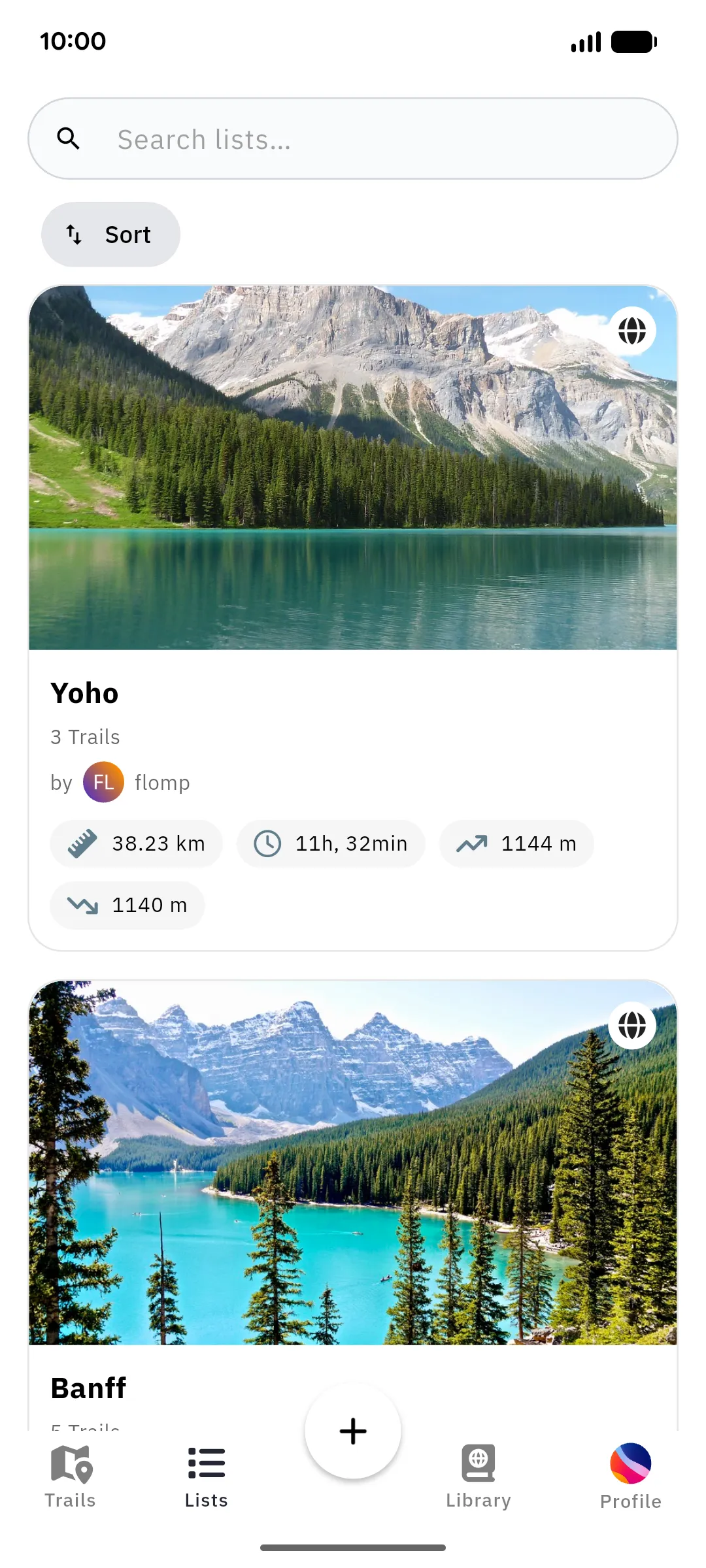
Lists group trails into collections: a multi-day trek, a summer bucket list, your local favorites. They are the same lists you know from the web interface.
In the beta the app lets you browse lists and open their trails. Creating a list, adding or removing trails, and sharing a list are done on the web for now; see what works where. Lists need a connection; they aren’t stored on the device.
Browsing lists
Section titled “Browsing lists”The Lists tab shows your lists and lets you search them and sort them by name or creation date. Each card sums up the whole collection: how many trails it holds, and their combined distance, duration, and elevation gain and loss.
Tap a list to open it: you’ll see its description and every trail it contains, each leading to its trail details.
List map
Section titled “List map”A list can also be viewed on a map, showing all of its trails together, handy for getting an overview of a multi-stage route or deciding which trail of an area to tackle next.