

Profile
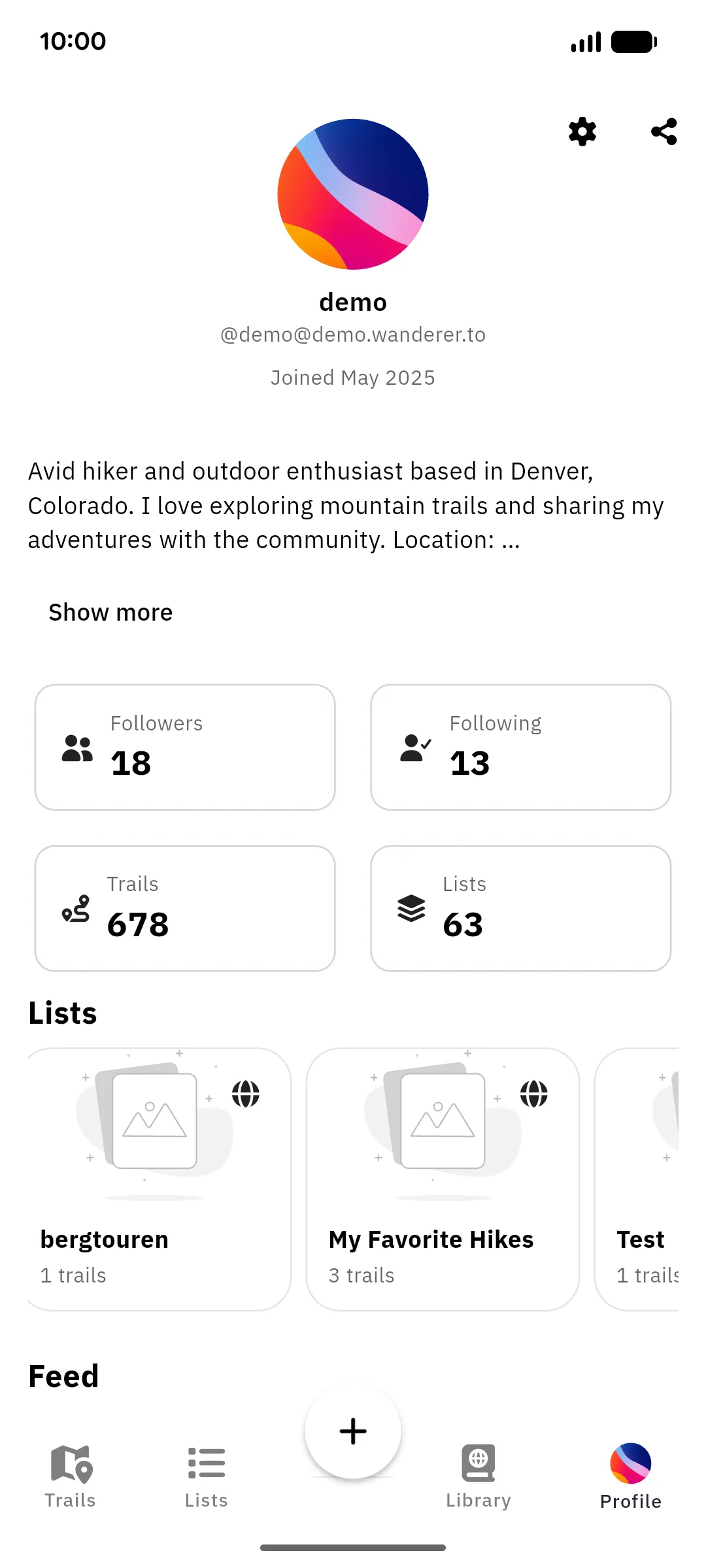
The Profile tab shows your own profile: avatar, handle, join date, and bio, followed by counters for followers, following, trails, and lists. Below that come your lists and a feed of your recent activity. Other users’ profiles look the same; open them from search results or by tapping a trail’s author.
Trails & lists
Section titled “Trails & lists”Tapping the Trails counter opens the profile’s trails, which can be browsed as a list or all together on a map. The Lists counter does the same for its lists. Your own profile additionally shows Trails (on device), everything stored on this phone.
Following
Section titled “Following”The Followers and Following counters open the respective lists. On another user’s profile, tap Follow next to their counters to stay up to date with their newest public trails, including users on other instances yours is connected to. Tap again (Following) to unfollow.
Share your profile
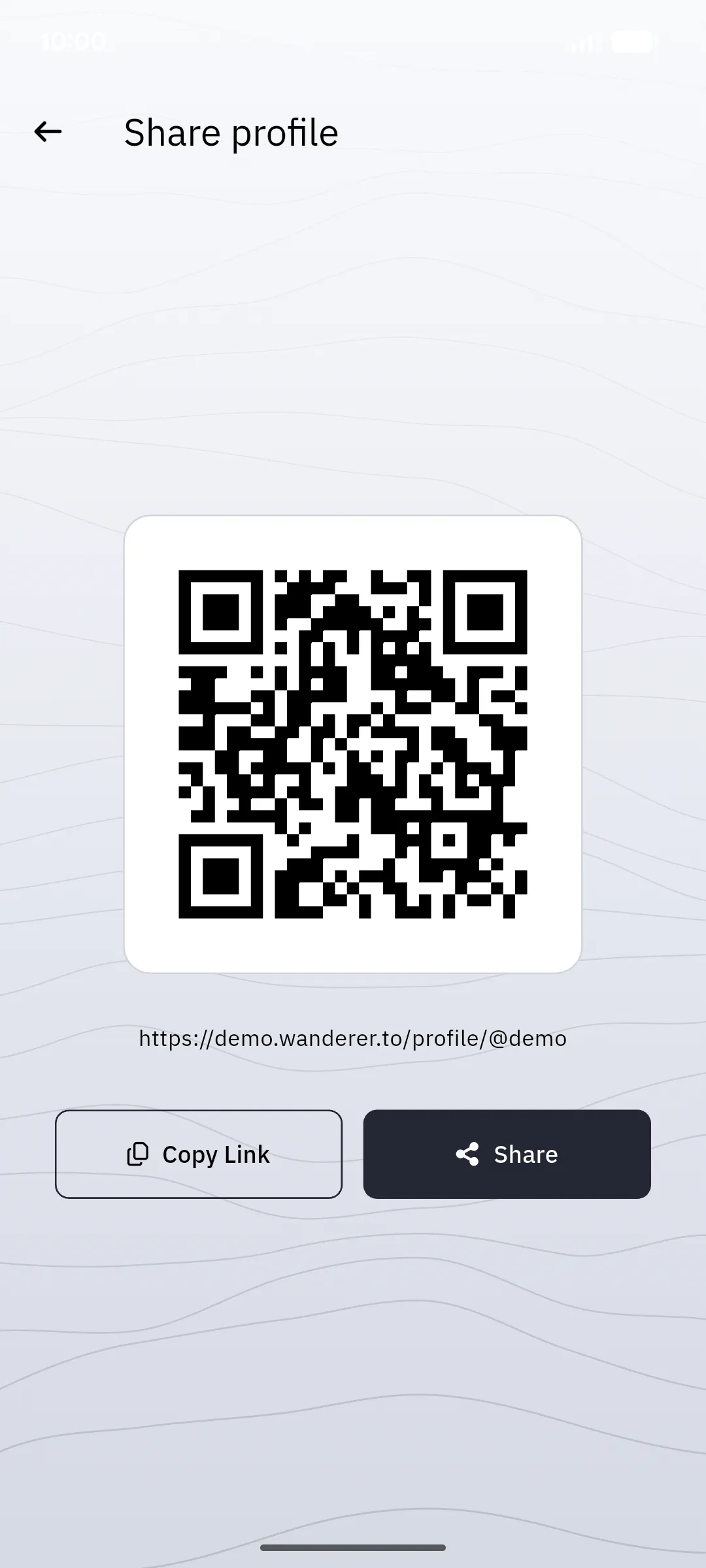
Section titled “Share your profile”The share icon at the top opens a QR code for your profile, along with the profile link itself. Anyone who scans the code with their phone camera lands on your profile in their browser. Copy Link puts the link on your clipboard, and Share hands it to any app on your device. Great for exchanging profiles on the trail.
Settings
Section titled “Settings”The gear icon opens the app settings.
Viewing other profiles, followers and the feed needs a connection; offline, your own profile shows only the trails stored on this device.